Categories
Toy

Plywood model boat No.7

Still toiling over another model/toy boat.  Laser cutting is a great way to make things and the precision available constantly tempts me to make more complex designs.  But complex is not necessarily the way to go, when what I am looking for is play value, simple clean lines and ease of assembly.  paddle drawing for web

This (detail) drawing in Affinity Designer is getting quite complicated, hopefully the final design will reflect the ideas above, rather than any underlying complexity.  I had a trip down memory lane trying to measure the length of an arc. Finding π on the keyboard was not as straightforward as it should be  – Alt 227  won’t work for me, I don’t know why.

Many years ago my father taught me to use a fretsaw and then a treadle fretsaw; I was so proud to make cut-out models and shapes, happy to spend cool evenings in our tiny kitchen sawing, sanding and gluing with a hot, smelly glue pot and a sticky brush. treadle fret Dad made lots of wooden toys – forts, garages, vehicles &c., often working from plans in Hobbies magazine.  He invariably gave them away.  I think he would have loved the laser cutter.
Categories
Software

Affinity

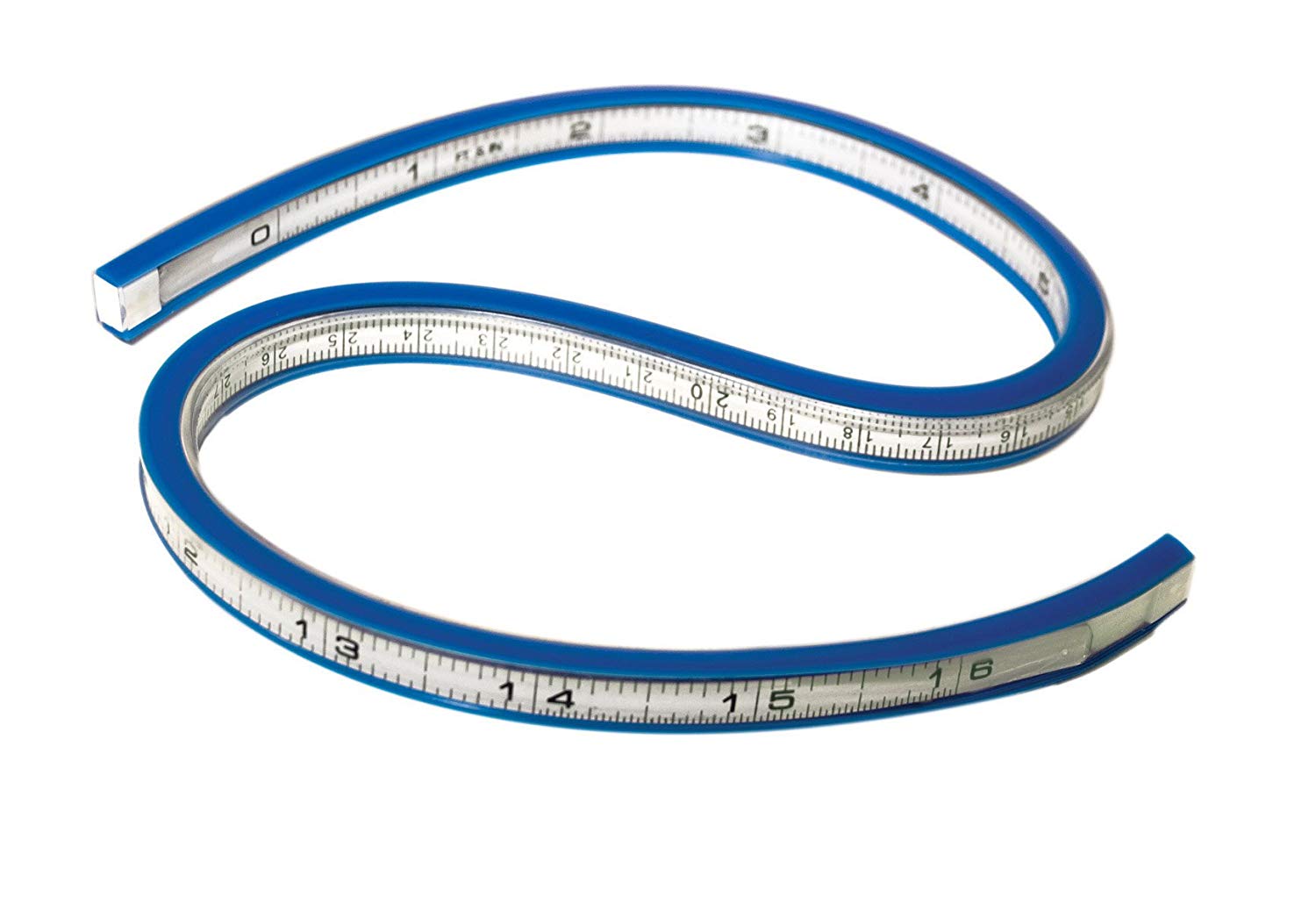
I am using Affinity Designer to create another plywood model boat – the world needs more – and I have nothing bad to say about this £50 app. But it cannot rival the likes of Autocad (more than 10 times the price). One thing I want to do is measure irregular objects on-screen and that is proving tricky. flex_

In the physical world the flexible curve is invaluable but is there one for Windows? It doesn’t appear so, only straight line rulers are available. So, print out the shape, check the printout size matches that on screen, then measure with the flexible curve.  There must be a better way?

Categories
Toy

Plywood Model Trawler

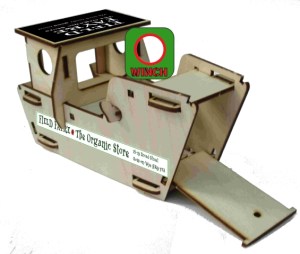
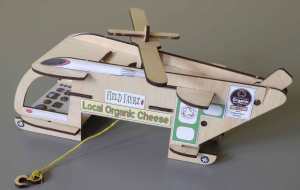
This model is one of four laser-cut boats which I will soon be cutting a batch of, ready to sell.  Having recently tidied up the .svg file of this boat – a trawler – using Affinity Designer I thought it would be fun to see if I could add a livery of sorts.  I have printed peel-off stickers before and used them for a helicopter, so I revised this set in Affinity Photo ready to print.

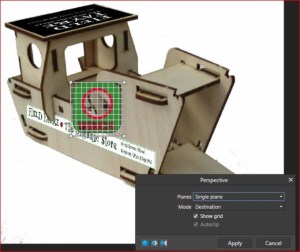
But why bother to do this then re-photograph the model when I can just add them virtually?  And as I am learning this software this is a good opportunity to try a little perspective distortion.  The livery is for my son’s lovely organic food shop, Field Fayre in Ross-on-Wye, England.  I actually prefer the models without stickers but they are a selling point, I hope.

No difficulty at all using the distortion/perspective tool in Affinity Photo, accessed through the Filters and I felt it was easier than Photoshop.  Now to check and tidy the three other boats .svg files, remove overlapping lines, unnecessary points and so on.  If you use a vector drawing app you will know what I mean.  No problems at all so far with Affinity Designer, just the usual learning curve  but on the whole I find it well structured and logical. I did struggle to change line dimensions from points to millimetres – change the Document – but that’s all.